Video editing blog · AI WORKFLOW · JULY 29, 2026
How to use AI for video editing without making AI slop
Use AI around the edit: research the subject, test visual directions, build small production tools and keep the final creative judgment human.
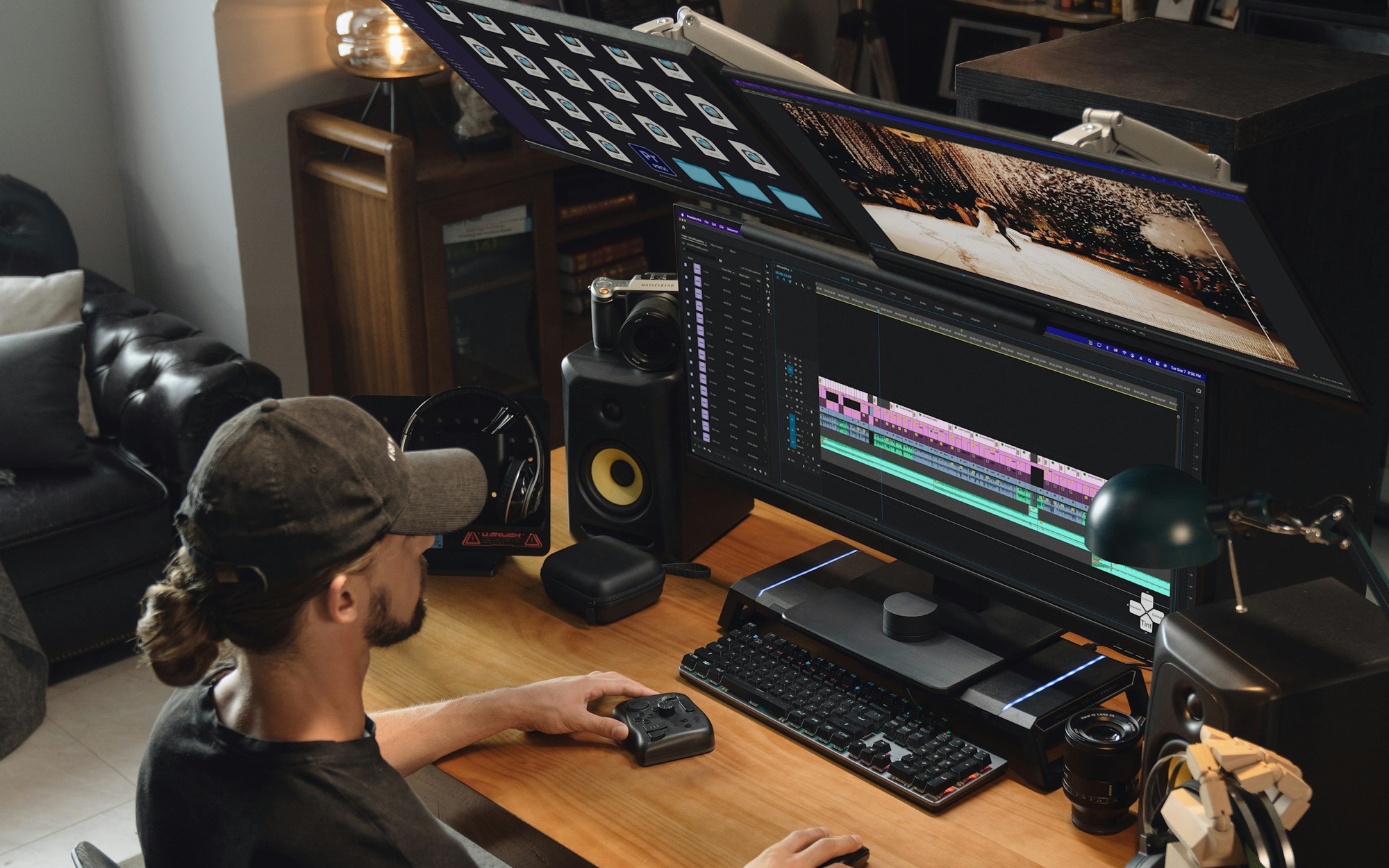
Where AI actually fits in a video editing workflow
AI is most useful where post-production has friction: too much material to read, too many versions to compare, repetitive technical checks and early ideas that are expensive to test. I do not want a model making every cut for me. I want it to clear the desk so I can spend more time on structure, pacing, sound and the details viewers actually feel.
That distinction matters. A generated first pass can be quick and still be wrong, generic or visually dead. Speed is useful only when it creates more room for judgment. The editor still decides what the film means, what belongs in it and whether the final result is good enough to publish.
Use research agents before you open the timeline
A documentary, branded film or expert-led YouTube video usually arrives with a pile of source material. A research agent can scan supplied documents, search trusted sites and turn that material into a working brief with links. OpenAI describes deep research as a multi-step process that gathers and synthesizes sources into a cited report. The citations are the useful part because they give the producer and editor something concrete to verify. OpenAI: Deep research in ChatGPT
- Build a one-page subject brief before the first assembly.
- Create a timeline of events, names and dates from the approved source pack.
- Pull possible B-roll terms, archive search phrases and visual references.
- Mark statements that need legal, scientific or client approval.
- Compare the script against the sources and list anything unsupported.
- Prepare interview follow-up questions where the story has a gap.
Do not ask an agent to 'fact check this' and accept a green tick. Ask it to split the script into individual claims, attach the best primary source it can find and label anything it cannot verify. Then a human checks the cited page. Research agents can still hallucinate facts or make a bad inference, so the source review is part of the workflow, not an optional cleanup pass. OpenAI: Deep research limitations
Use image models for storyboards and animation foundations
Image generation is very good at making an idea visible before a designer or animator spends a day building it. I use it for rough storyboards, style frames, composition options, color directions, prop ideas and animation sketches. Adobe now positions Firefly Boards for moodboards, storyboards and pitch material, including consistent reference images and previews of camera movement. Adobe: Storyboard a commercial in Firefly Boards
- Lock the brief
Write the purpose of the scene, audience, format and emotion in plain language. A vague prompt produces a vague board.
- Build a reference pack
Use approved references for lens, lighting, production design, wardrobe, framing and graphic language.
- Generate eight to twelve frames
Keep character, location and color references fixed. Change one variable at a time so the options are comparable.
- Annotate the board
Add shot size, camera move, screen direction, duration, transition idea and the job each frame does in the story.
- Rebuild the chosen direction
Treat the selected image as a foundation. A designer, animator or production team should rebuild it with real control over typography, continuity and finish.
AI is a fast sketchbook. The problem starts when the sketch is mistaken for the finished frame.
This is where AI slop becomes a real risk. Generated images often settle on the same dramatic lighting, the same polished faces, the same floating interface graphics and the same fake cinematic mood. They can also break continuity between frames. If the board has no specific visual rules, the final film inherits that generic look. Pick a direction, then make deliberate human choices.
Vibe code the small tools your edit actually needs
You do not need to build another editing application. The useful custom tools are usually small and boring. They sit next to Premiere Pro, DaVinci Resolve or Final Cut Pro and remove one repeatable problem. A simple local app can wrap FFmpeg and ffprobe behind a clean interface, then return a report an editor can understand. FFmpeg: ffprobe documentation · FFmpeg: filter documentation
| Tool | What it checks | Useful output |
|---|---|---|
| Offline media checker | Missing files, unexpected proxies, codec, frame rate, audio channels and duration | A red/amber/green report before conform or handoff |
| Dead frame finder | Long frozen frames, black frames and accidental gaps | Timecodes with short thumbnails for review |
| Glitch checker | Decode errors, large frame-to-frame anomalies and damaged media | Flagged ranges that a human can inspect |
| Auto uploader | Approved master, title, description, thumbnail and privacy setting | A private or unlisted upload with processing status |
| Feedback collector | Client comments tied to version and timecode | A clean change list grouped by scene and owner |
FFmpeg already includes filters such as blackdetect and freezedetect. ffprobe can read container and stream details in machine-readable formats. Your app does not need to invent the analysis. It needs to choose sensible thresholds, make the report readable and keep the original media untouched.
An auto uploader can use the YouTube Data API to upload a file as private or unlisted and poll processing status. Keep credentials out of the app bundle, show the destination channel before upload and require a final confirmation. Automation should reduce typing without making a public publishing mistake easier. Google: Upload a video with the YouTube Data API
The guardrails that keep AI useful
- Keep source files read-only and write every generated report to a separate folder.
- Show the model or rule that produced each flag. Editors need to know whether a warning is measured or guessed.
- Test on duplicate media before putting a tool into a live production.
- Do not send confidential footage, transcripts or client data to a cloud model without permission.
- Version prompts and thresholds just like code. A changed detector can change the report.
- Make public uploads private or unlisted by default.
- Put a human approval step before factual, legal, visual and publishing decisions.
The best result is not a fully automated edit. It is a calmer workflow with better research, clearer options and fewer preventable technical mistakes. AI can give an editor leverage. Taste is still the part you cannot delegate.
Frequently asked questions
Can AI edit a full video for me?
AI can assemble clips, remove silence, generate captions and suggest versions, but a publishable film still needs human control over story, timing, continuity, factual accuracy and finish. Automated assembly is useful as a starting point. It is not a reliable replacement for an experienced editor.
What is the best AI use for professional video editors?
Research, transcript analysis, storyboard exploration and repetitive quality control usually give the best return. These jobs save time without handing the final creative decision to a model. Start with one recurring bottleneck and measure whether the new workflow genuinely reduces review time.
How do I avoid AI slop in video production?
Use specific references, generate options instead of one answer and rebuild selected ideas with real design control. Remove generic AI lighting, fake interface graphics, inconsistent characters and decorative shots that do not help the story. A strong human review should be visible in every final frame.
Can I build my own video editing tools with AI?
Yes. Small tools built around ffprobe, FFmpeg and platform APIs are realistic projects. An offline media checker, frozen-frame detector or feedback collector is safer and more useful than trying to recreate an NLE. Keep the scope narrow, test on copies and protect client credentials.
Sources
About the author
Celal Kaçar is a video editor focused on story structure, pacing, sound and viewer retention across longform, shortform and commercial work.