Video editing blog · SOFTWARE · JULY 29, 2026
Premiere Pro vs DaVinci Resolve vs Final Cut Pro vs CapCut
CapCut is fast, Resolve is an extraordinary all-in-one system, Final Cut flies on Apple hardware, and Premiere remains my overall professional pick.
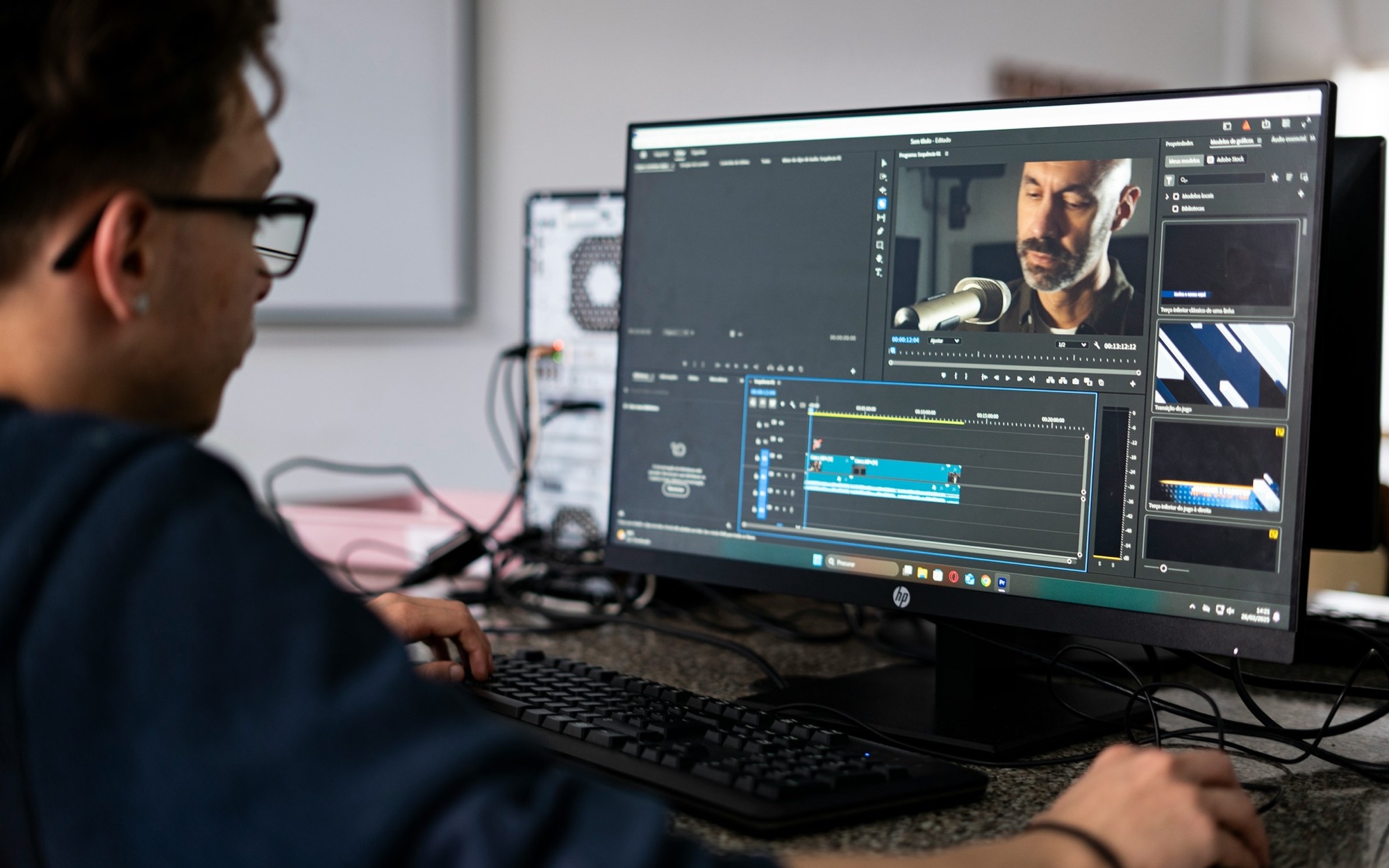
The verdict before the feature list
If you edit professionally, CapCut should not be your main editing system. It is quick, easy to learn and genuinely useful for social content, but speed and templates are not the same as a deep post-production pipeline. Once a project needs careful media management, color, audio, motion graphics, interchange and reliable handoffs, its limits become the job.
DaVinci Resolve is the software I recommend most aggressively to people starting now. The free version is better than many paid editors, and the Studio version puts editing, Fusion, industry-leading color and Fairlight audio in one application. If I judged only the product and the value, Resolve would win.
Final Cut Pro is excellent on a modern Mac. The Magnetic Timeline is fast once it clicks, Apple silicon performance is hard to ignore and the wider Apple workflow feels unusually smooth. My overall winner is still Premiere Pro. It can do almost any kind of work, most clients and agencies know how to hand off a Premiere project, and Dynamic Link with After Effects remains a serious advantage.
Premiere Pro, Resolve, Final Cut and CapCut compared
| Category | Premiere Pro | DaVinci Resolve | Final Cut Pro | CapCut |
|---|---|---|---|---|
| Best for | Agencies, freelance, YouTube, branded, broadcast pipelines | Editing, color, audio and VFX in one app | Fast Mac-based solo and small-team work | Fast social and template-led content |
| Platforms | macOS, Windows | macOS, Windows, Linux | macOS, iPadOS | macOS, Windows, web, mobile |
| Editing model | Traditional track-based timeline | Track-based Edit page plus fast Cut page | Magnetic Timeline | Simplified track-based timeline |
| Motion and VFX | After Effects via Dynamic Link | Fusion built in | Motion templates and plug-ins | Templates, effects and AI tools |
| Color | Strong and improving | The benchmark in this group | Fast, capable and well integrated | Basic to mid-level |
| Audio | Essential Sound plus Adobe workflows | Fairlight built in | Roles, lanes, plug-ins and Logic handoff | Fast social mix tools |
| Collaboration | Productions, Team Projects, Frame.io | Blackmagic Cloud and multi-user projects | Libraries and third-party workflows | Cloud and team sharing, lighter control |
| Cost model | Subscription | Free or $295 Studio | One-time Mac license or Creator Studio | Free tier plus regional subscription |
| My verdict | Overall winner | Best product value | Best Apple experience | Useful secondary tool |
Pricing changes by country and plan. Blackmagic currently lists DaVinci Resolve Studio 21 at $295. Apple lists Final Cut Pro at 14,999.99 TL as a one-time Mac purchase in Turkey, with Apple Creator Studio also available as a subscription. CapCut says its Pro price varies by region, device and promotion. Check the checkout page before treating any number as permanent. Blackmagic Design: DaVinci Resolve Studio · Apple Turkey: Creator Studio pricing · CapCut: How much does Pro cost?
Adobe Premiere Pro: the overall winner
Premiere wins because it is the easiest choice to carry between different kinds of professional work. I can cut a YouTube documentary, a commercial, a podcast, a vertical campaign or a long interview without changing the core tool. It handles almost every normal camera format, proxies, multicam, captions, productions, review and a huge plug-in ecosystem.
The bigger advantage is everything around the timeline. After Effects Dynamic Link lets Premiere use an After Effects composition without rendering an intermediate file first. Photoshop files, Audition workflows, Frame.io review, Productions and Team Projects make Premiere part of a wider post system. Adobe's current documentation still describes direct sharing between Premiere and After Effects with no render or export required. Adobe: Premiere and After Effects Dynamic Link · Adobe: Co-edit Premiere projects
Market familiarity matters too. Adobe reported that Premiere was used by 60% of the films at the 2025 Sundance Film Festival. That is not a universal market-share figure, but it is good evidence of how common the Adobe pipeline is in active professional work. When a client sends a Premiere project or an After Effects package, being able to open it without translation has real value. Adobe News: Premiere at Sundance 2025
Strengths
- Broad format and project compatibility
- Best After Effects connection in the group
- Deep plug-in, template, training and freelancer ecosystem
- Strong collaboration and review options
- Comfortable across long-form, social, branded and agency work
Watch-outs
- Subscription cost never really goes away
- Color and audio are good, but Resolve keeps both under one stronger roof
- Dynamic Link can add complexity to heavy projects
- Performance and stability still depend on disciplined project setup
DaVinci Resolve: the strongest all-in-one editor
DaVinci Resolve is absurdly good. The free version can edit and finish Ultra HD up to 60 fps, includes serious color tools and supports collaboration. Studio adds the Neural Engine, more Resolve FX, advanced HDR tools and other high-end features for a one-time $295 purchase. There is no watermark on the normal free editing workflow. Blackmagic Design: Resolve Studio comparison
Resolve's page structure makes sense for finishing. Edit and Cut handle editorial. Fusion handles compositing and motion graphics. Color is still the strongest grading environment here. Fairlight is a real audio post workspace, not a small collection of audio effects attached to a timeline. Media and Deliver complete the pipeline. Blackmagic Design: DaVinci Resolve 21
The praise comes with one practical warning: one app containing everything does not mean every page is simple. Fusion has its own node-based logic. Serious color management needs training. Fairlight can go much deeper than most editors expect. Resolve rewards learning, but the learning curve is real.
Strengths
- Best color grading system in this comparison
- Excellent editing, Fusion VFX and Fairlight audio in one project
- Free version is strong enough for serious paid work
- Studio is a one-time purchase with exceptional value
- Blackmagic Cloud supports real multi-user collaboration
Watch-outs
- Fusion is powerful but slower to learn than template-led motion work
- The application asks more from hardware and project discipline
- Adobe and Apple handoffs can require XML, AAF or rendered media
- Some codecs and advanced tools require Studio
Final Cut Pro: excellent inside the Apple ecosystem
Final Cut Pro feels different because the Magnetic Timeline is different. Clips stay connected, gaps behave differently and organization leans on keywords, roles and Smart Collections rather than a pile of traditional tracks. Editors coming from Premiere may resist it. Editors who learn its logic can become extremely fast.
On Apple silicon, Final Cut is a great fit for ProRes, high-resolution media and laptop editing. Apple says it can edit major professional camera formats up to 8K, sync up to 64 multicam angles and use Motion for adjustable effects and graphics. Compressor handles more controlled exports, and Logic Pro is there when the audio needs a dedicated Apple tool. Apple Support: What is Final Cut Pro?
Final Cut Pro 12.3 added Generate Captions, Auto Mask and a new Match Color tool in June 2026. Some intelligence features require Apple silicon, and caption generation currently has language limits. The application is excellent when the whole production is comfortable on Mac. Cross-platform teams are the obvious problem because there is no Windows version. Apple: Final Cut Pro 12.3 release notes
Strengths
- Excellent performance on Apple silicon
- Magnetic Timeline can be extremely fast
- Strong media organization with keywords, roles and Smart Collections
- Good ProRes, iPhone, Motion, Compressor and Logic integration
- One-time purchase remains available
Watch-outs
- Mac-only desktop workflow
- Magnetic Timeline requires a real mental switch
- Agency and freelancer handoffs are less universal than Premiere
- Motion is capable, but After Effects has the larger professional ecosystem
CapCut: fast social editing, not my professional foundation
CapCut is useful. It makes captions, effects, reframing, templates and trend-driven social edits quick. The desktop application includes keyframes, graphs, color wheels, automatic tools and a large effects library. For a creator turning around vertical content every day, that speed has value. CapCut: Desktop video editor features
I still would not build a professional post-production business around it. CapCut is optimized for making content fast inside its own experience. It is weaker when the project needs a controlled color pipeline, complex audio post, detailed media relinking, interchange with outside departments, versioned motion graphics or a long archive life. A client may ask for a Premiere project, Resolve archive, XML, AAF or clean handles. CapCut is rarely the center of that conversation.
There is also a practical pricing problem: CapCut says Pro pricing varies by region, device and promotion. Features can move between tiers. That is manageable for a secondary social tool, but it is less comfortable as the foundation of a long professional workflow.
Strengths
- Fastest route to template-led social edits
- Easy captions, reframing, effects and mobile handoff
- Low learning barrier
- Useful AI and search features for high-volume content
Watch-outs
- Shallower media, color, audio and finishing control
- Weaker professional interchange and long-project structure
- Template language can make different brands look the same
- Regional pricing and feature tiers can change
Which video editor should you choose?
| Your situation | Pick | Reason |
|---|---|---|
| You want the safest professional career choice | Premiere Pro | Broad client familiarity and the strongest Adobe handoff |
| You want maximum capability without a subscription | DaVinci Resolve | Best value, color, audio and built-in finishing |
| You are a solo editor on Apple silicon | Final Cut Pro | Speed, ProRes performance and a focused Apple workflow |
| You make high-volume vertical social posts | CapCut plus Premiere or Resolve | Fast social tools without giving up a professional master project |
| You work heavily with motion graphics | Premiere Pro plus After Effects | Dynamic Link and the largest motion design ecosystem |
| You finish documentaries or commercial color | DaVinci Resolve | Color management, grading and Fairlight |
| Your clients send Adobe projects | Premiere Pro | Avoids translation and relinking work |
| You need Linux | DaVinci Resolve | The only desktop option here with Linux support |
The software does not make the editor, but the wrong workflow can waste a lot of the editor's day. Resolve is the product I admire most here. Final Cut is the fastest fit for the right Mac user. CapCut is a useful social tool. Premiere remains my overall winner because professional work rarely stays inside one perfect application. It moves between clients, motion designers, producers, sound, review and delivery. Premiere handles that messy reality better than the others.
Frequently asked questions
Is CapCut professional video editing software?
CapCut can produce paid and polished social videos, but I would not use it as the main system for complex professional post-production. It is strongest at fast captions, effects, templates and vertical delivery. Premiere Pro, DaVinci Resolve and Final Cut Pro offer deeper media, color, audio, interchange and project control.
Is DaVinci Resolve better than Premiere Pro?
Resolve is better for color, built-in audio, finishing and value. Premiere is better when the job depends on After Effects, Adobe project handoffs, a large plug-in ecosystem or broad client familiarity. I prefer Resolve as a product, but Premiere is my overall choice for varied professional work.
Is Final Cut Pro worth it in 2026?
Yes, especially on Apple silicon. Final Cut Pro is fast, handles ProRes well and has strong organization, multicam and Apple ecosystem integration. It makes less sense for Windows teams or editors who constantly exchange native projects with Adobe-based clients. The Magnetic Timeline also requires a learning period.
What is the best free professional video editor?
DaVinci Resolve is the clear choice in this group. Blackmagic's free version supports serious editing, color, Fusion, Fairlight and Ultra HD finishing up to 60 fps. Studio adds advanced AI, effects and HDR features, but many editors can complete real paid work before they need the upgrade.
Why choose Premiere Pro over DaVinci Resolve?
Choose Premiere when After Effects, Photoshop, Frame.io, Team Projects or client-supplied Adobe projects are central to the job. Dynamic Link and broad market familiarity reduce handoff friction. Resolve may be stronger inside one application, but Premiere often fits more easily into an existing agency or freelance pipeline.
Sources
About the author
Celal Kaçar is a video editor focused on story structure, pacing, sound and viewer retention across longform, shortform and commercial work.